
Use cases · Health screening
Follow-up list after screening
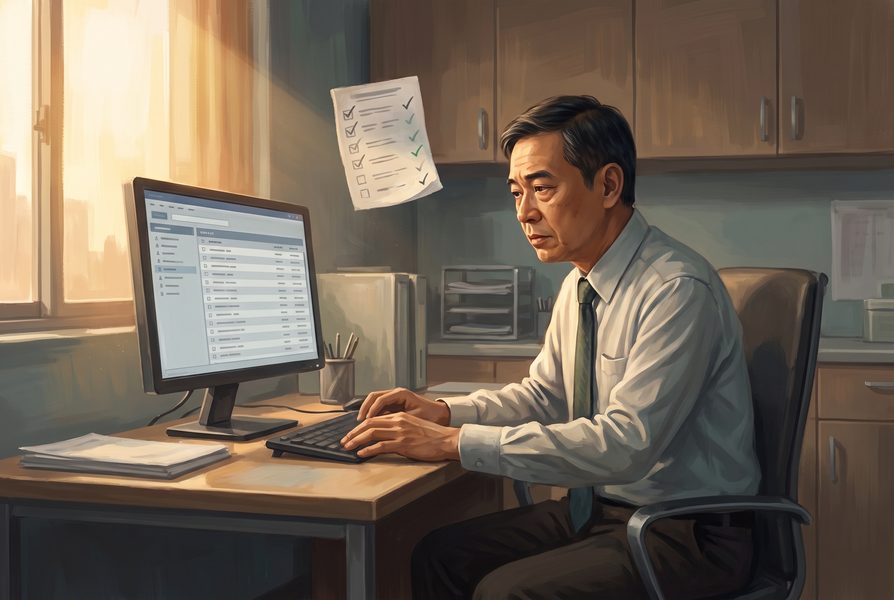
After health screening, abnormal results need follow-up, and tracking who has been contacted takes staff time. TESSA reviews the results with each person's history and flags who may need an earlier review, with reasons; the clinician decides.
At a glance
- Does
- Summarisation, Triage
- Setting
- Health screening
- Specialty
- Preventive medicine
- Who
- Clinician-side
Also searched as
abnormal screening results follow-up · screening recall list · results tracking
Questions
What does TESSA do in follow-up list after screening?
After health screening, abnormal results need follow-up, and tracking who has been contacted takes staff time. TESSA reviews the results with each person's history and flags who may need an earlier review, with reasons; the clinician decides. It does this through summarisation, triage.
Does TESSA diagnose the patient?
No, TESSA never gives a patient a diagnosis. It collects and collates the information the patient provides, asks probing questions and performs risk assessment; a clinician reviews the summary and decides, and no diagnosis, summary or management plan reaches the patient until the clinician signs.
What happens if the patient mentions a warning sign?
Warning or worrying signs that require immediate attention or action go straight to the care team without alarming the patient. For time-critical presentations, TESSA supports the clinician only and is not currently intended for patient use.
How is patient information protected?
The patient surface runs on session codes, not names, and each institution's data is kept apart with a full audit trail. Our own Anonesia by TINYHealth is a proprietary software and code that removes PIIs, e.g. names, ID numbers and contact details from text before it reaches an AI model.
How do we start with this use case?
Each new use case is built and validated with clinical teams, on your own pathways and guidance. Book a meeting with us to start.